Great app for managing shifts A brilliant feature that lets you import shifts from a photo or from a PDF received on WhatsApp.
Shift2Cal
輕鬆管理你的班次
拍下班表照片,同步至行事曆,隨時掌控一切。
4.82/5
平均評分
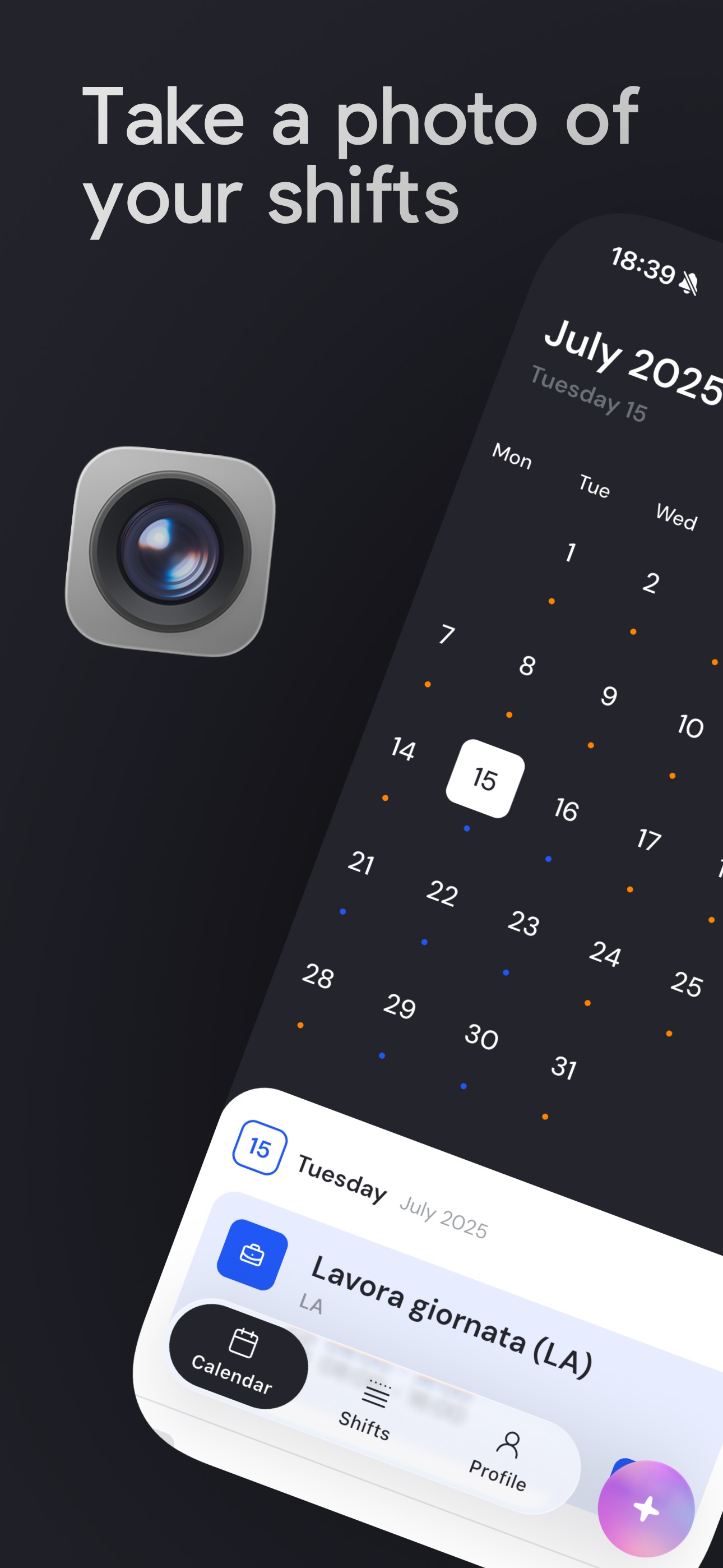
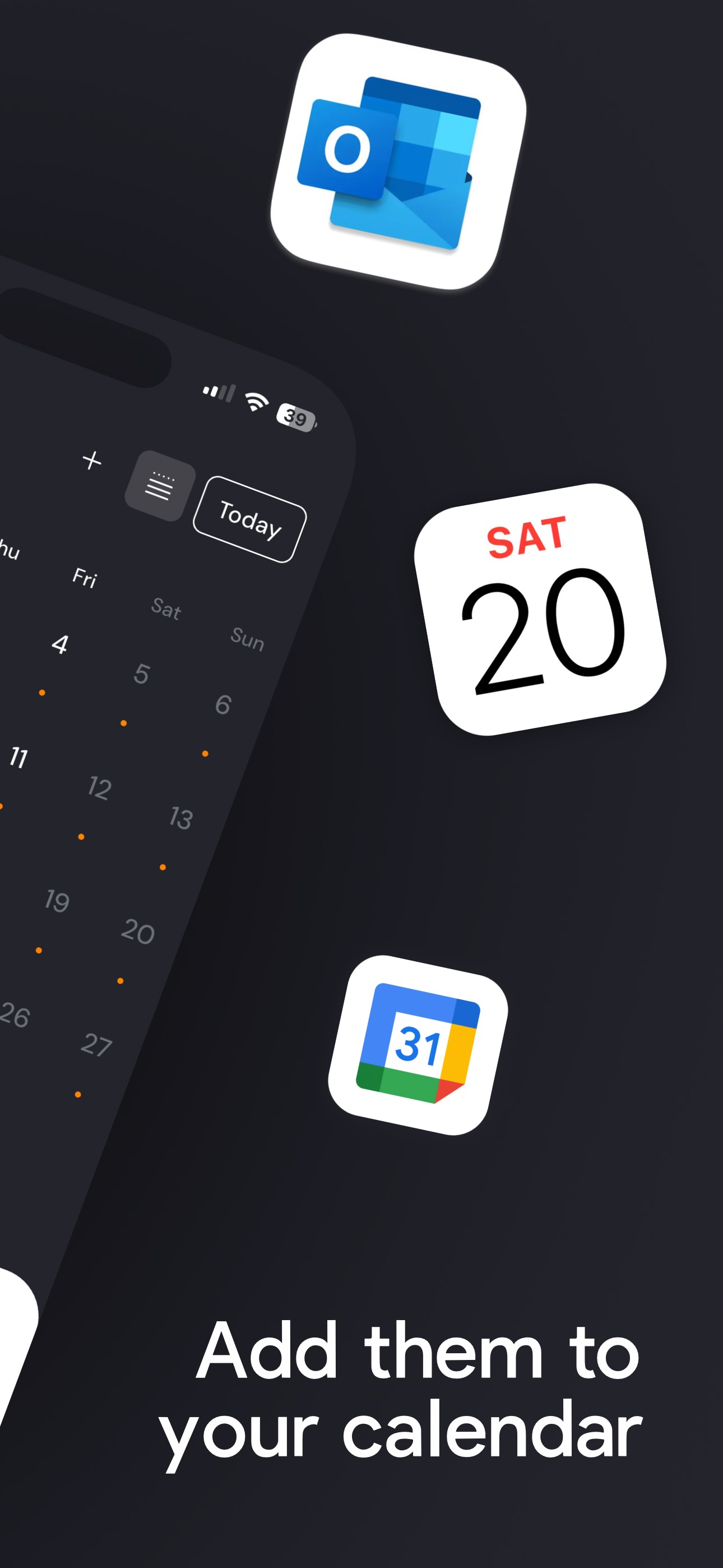
拍下班表照片,同步至行事曆,隨時掌控一切。
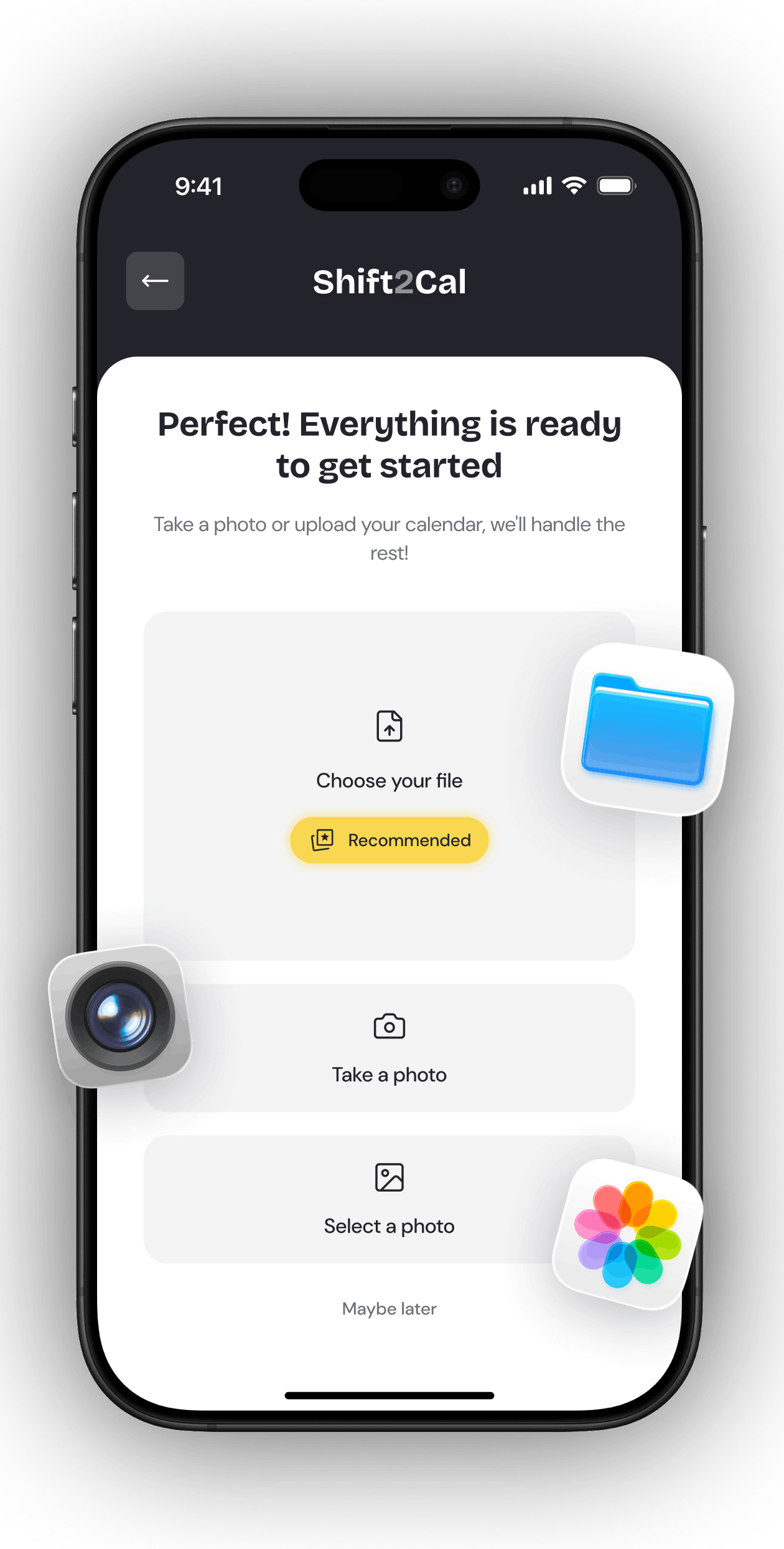
匯入
上傳 PDF、匯入試算表,或掃描班表照片。藉由 AI 技術,Shift2Cal 將雜亂的工作排班轉化為清晰的班次,直接加入你的行事曆。
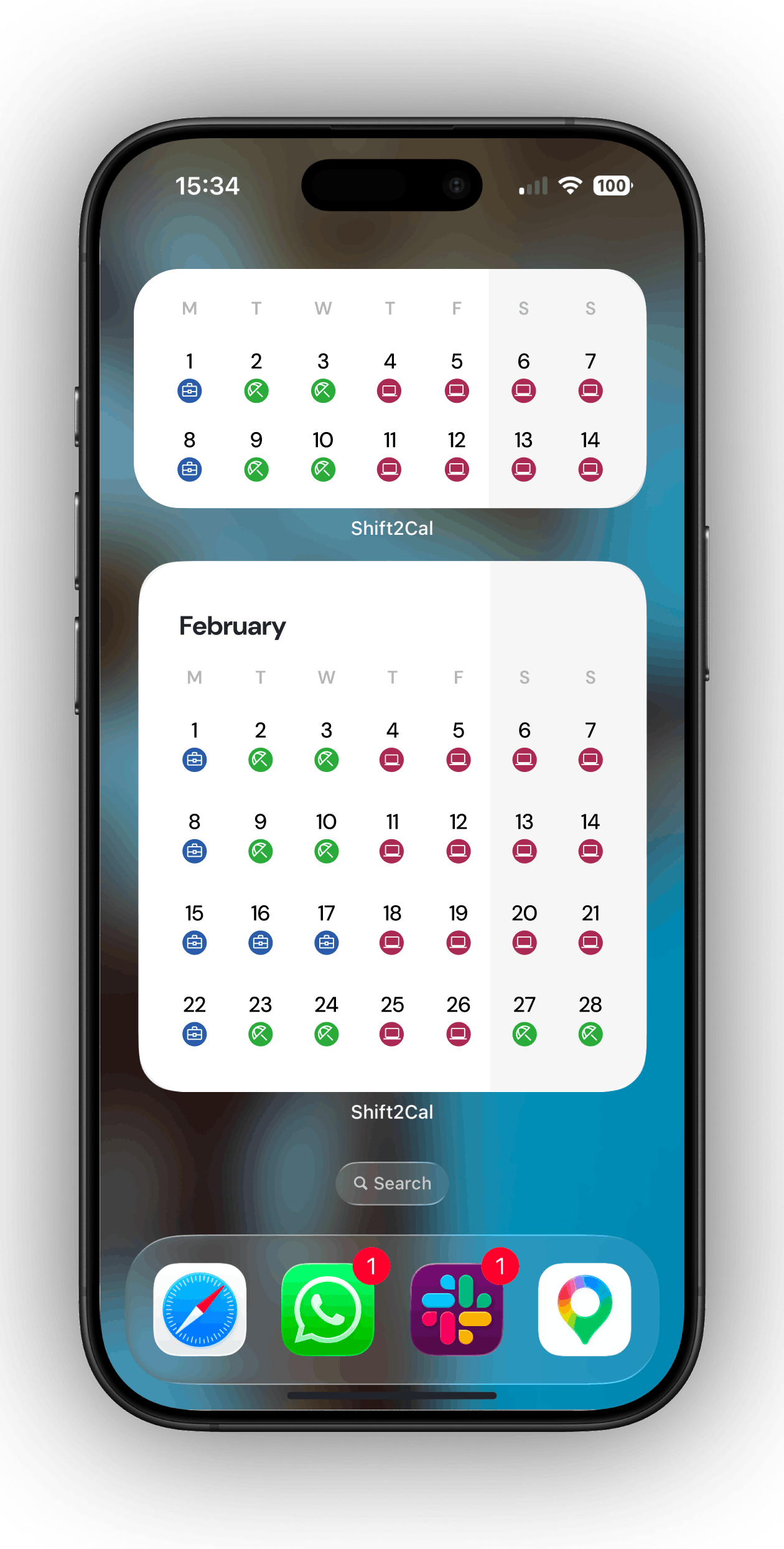
小工具
將 Shift2Cal 小工具加入手機,讓即將到來的排班隨時可見,不必每次都開啟應用程式。
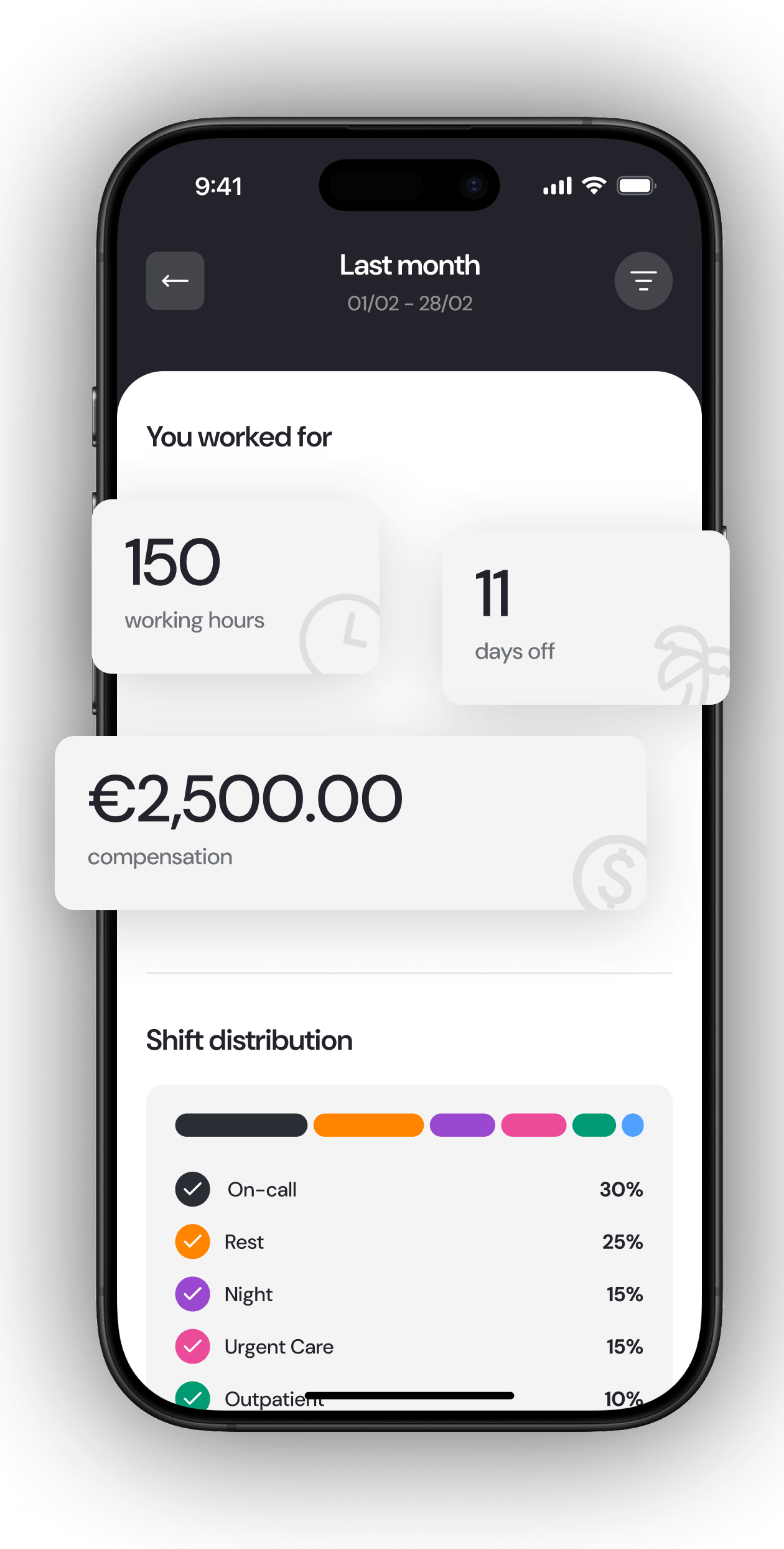
統計
查看每月工作統計、班次分布、休假天數與薪酬估算,讓匯入後的排班表更易理解。
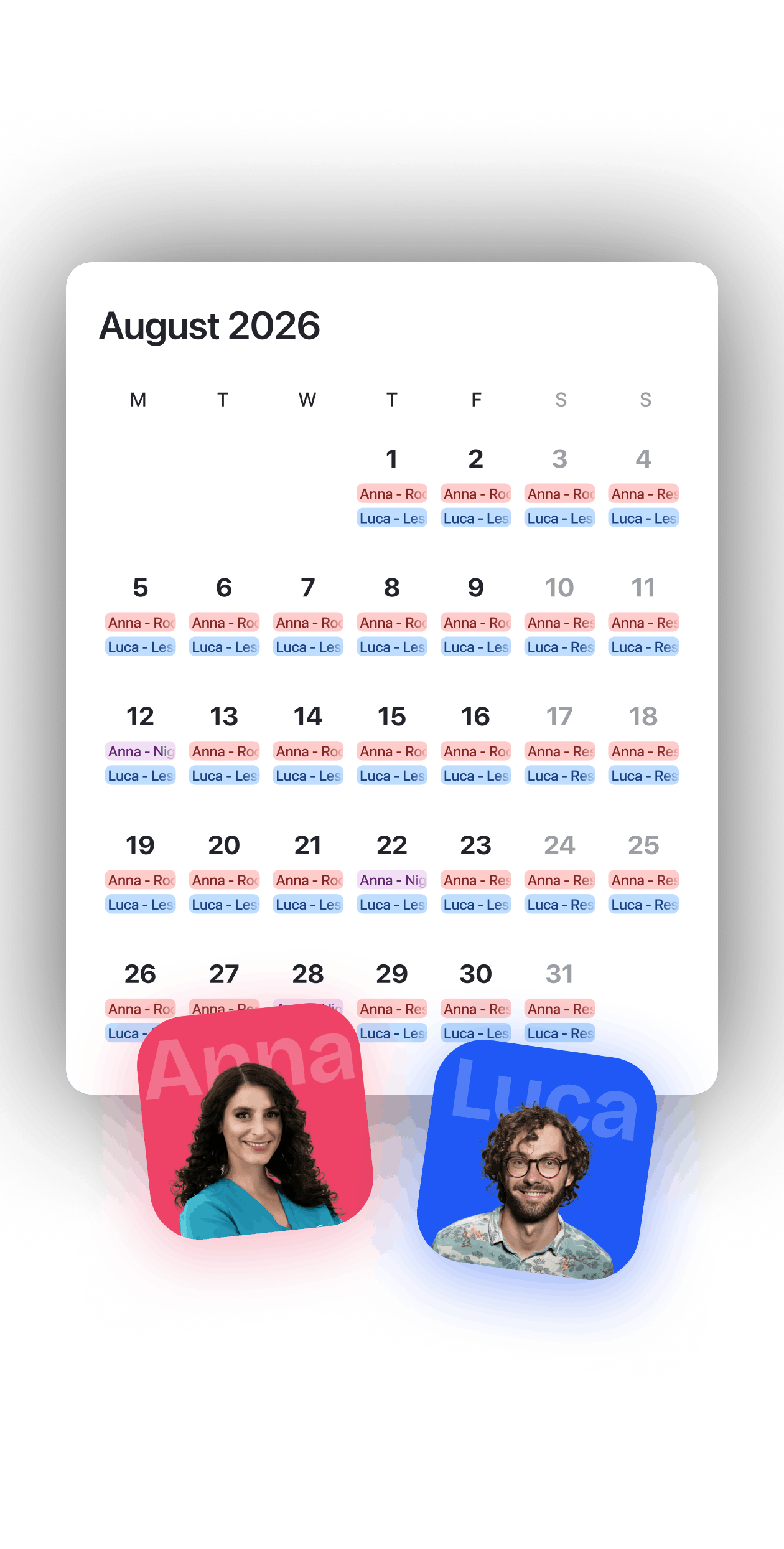
分享
將行事曆分享給朋友、同事或家人,在協調班次、空閒時間和排班變動時,讓團隊協作更輕鬆。
Great app for managing shifts A brilliant feature that lets you import shifts from a photo or from a PDF received on WhatsApp.
Very good I think it is great that you can even create two plans for the same month, as I do now with physiotherapy and my duty roster. It is fantastic. You still need to check things carefully because small mistakes can slip in, but it is a 30-second job.
Very nice Well-made app. If you also add the option to enter the ordinary hours from a work contract, it would be possible to calculate overtime too, like you already do with the percentage of shifts worked. Thank you.
Game Changer Embracing the use of AI to quickly and efficiently add my roster to my calendar hassle free. Works quite accurately, and I love that you can train the AI with things such as ignoring certain aspects or what to display. I hope this app becomes big 😁
Love this app Such a good app for nurses, love how u can screenshot ur roster and just upload, plus the syncing to my calendar and the widget are fantastic for my ADHD brain :)
Excellent App for Lazy People Beautiful and smart app. I just upload my weekly roster PDFs and the app does the rest for me. I don't have to worry about inputting my shifts manually in my calendar. If you want to change anything, just type it in and the AI will do it for you!
關於匯入工作排班、將班次同步至行事曆以及管理重複輪班模式的解答。
可以。你可以拍攝照片或使用排班表的截圖,確認識別到的班次,然後加入行事曆。
Shift2Cal 支援照片掃描、PDF 匯入,以及從試算表或排班系統匯出的 CSV 匯入。匯入 PDF 或 Excel / CSV 檔案通常可提供最高的準確性。
是的。班次管理功能免費使用。讀取和匯入行事曆可使用應用程式內附的免費額度,直到額度用完為止。
Shift2Cal 可將你的班次同步至 Apple 行事曆、Google 行事曆和 Outlook。
可以。Shift2Cal 支援重複班次和輪班設定,無需逐一手動輸入,即可新增重複的工作模式。
是的。Shift2Cal 可在 iOS 版 App Store 和 Android 版 Google Play 下載。
你可以透過 Apple 訂閱設定取消 iOS / Apple 訂閱。你可以透過 Google Play 訂閱取消 Android / Google Play 訂閱。
可以。在舊裝置上使用其中一種可用登入方式登入,然後在新裝置上使用相同方式登入。使用相同的登入方式後,你的帳戶資料將在新裝置上可用。如有任何問題,請聯繫 hello@shift2cal.com。