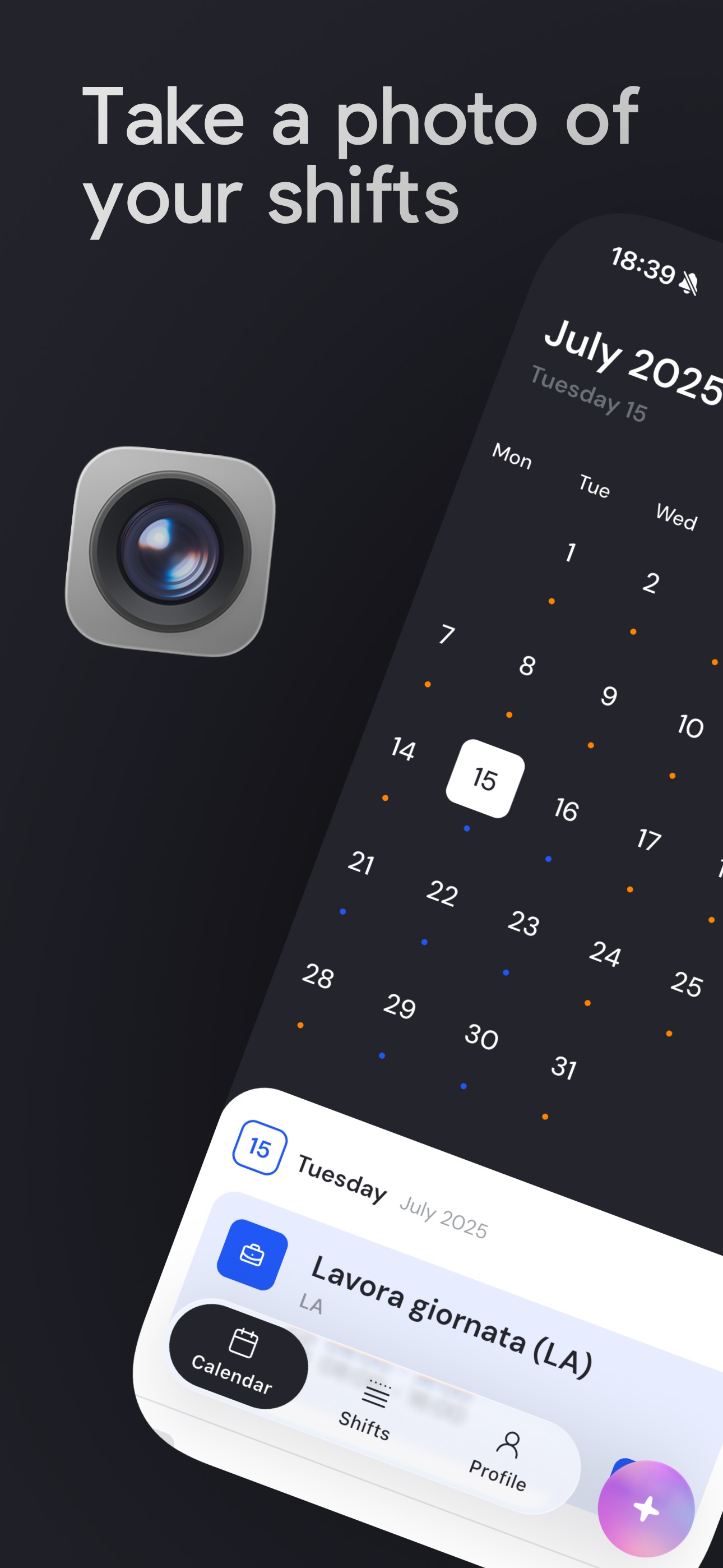
Great app for managing shifts A brilliant feature that lets you import shifts from a photo or from a PDF received on WhatsApp.
Take a photo of your shifts, sync them with your calendar, and keep everything under control.
Import
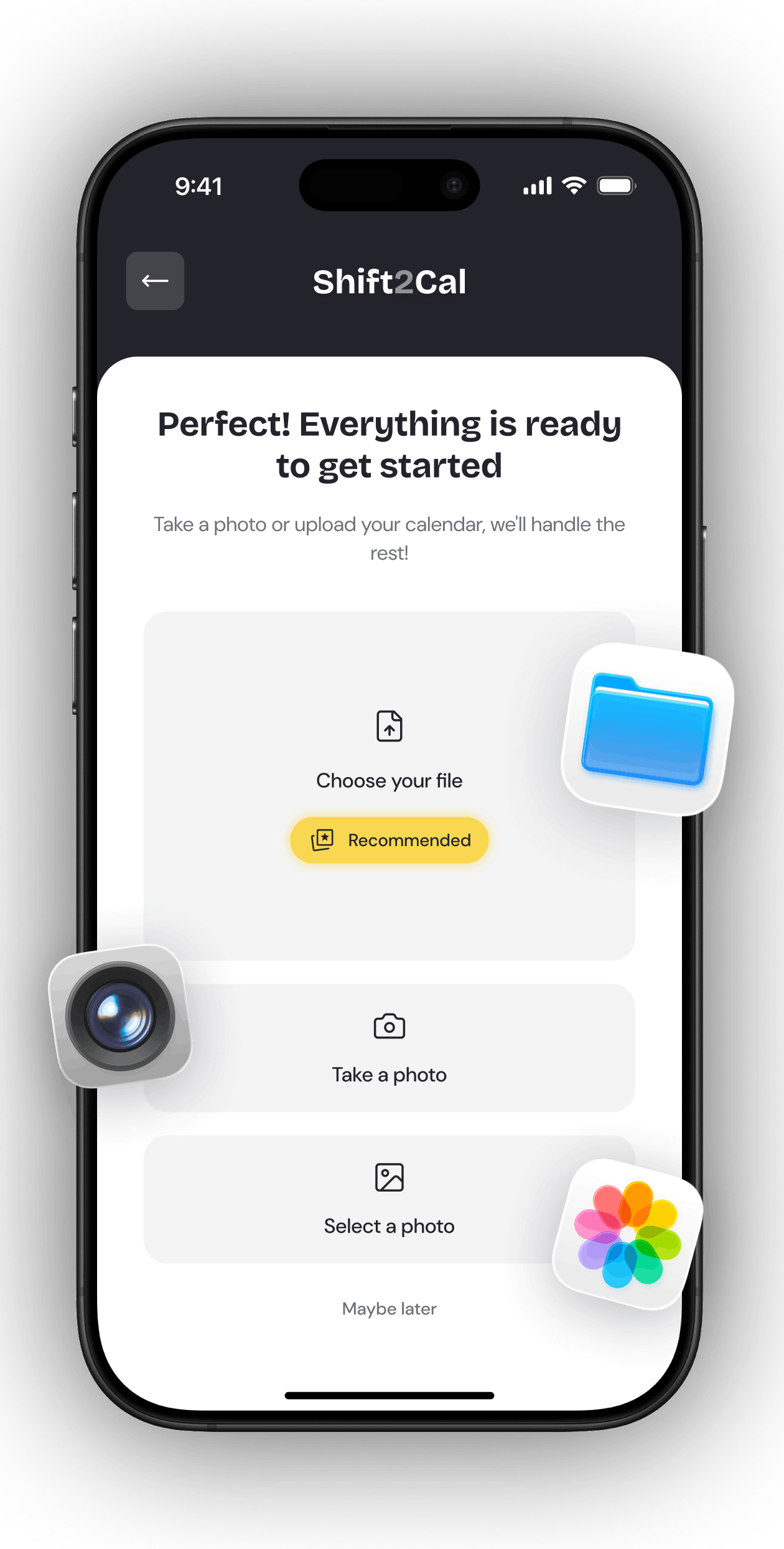
Upload a PDF, import a spreadsheet export, or scan a photo of your rota. Powered by AI, Shift2Cal helps turn messy work schedules into clean shifts ready for your calendar.
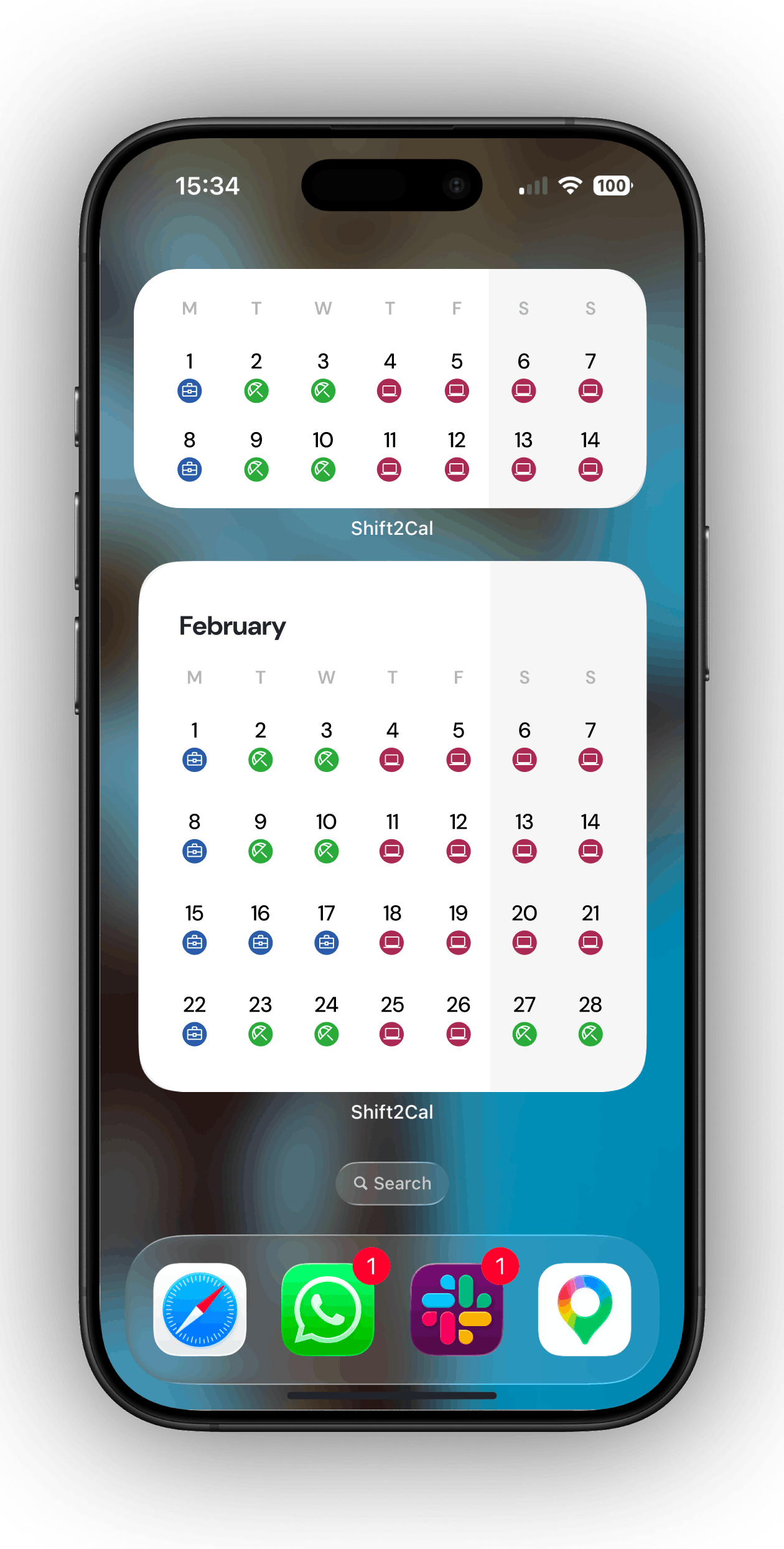
Widgets
Add Shift2Cal widgets to your phone so your upcoming rota stays close without opening the app every time you need to check a shift.
Stats
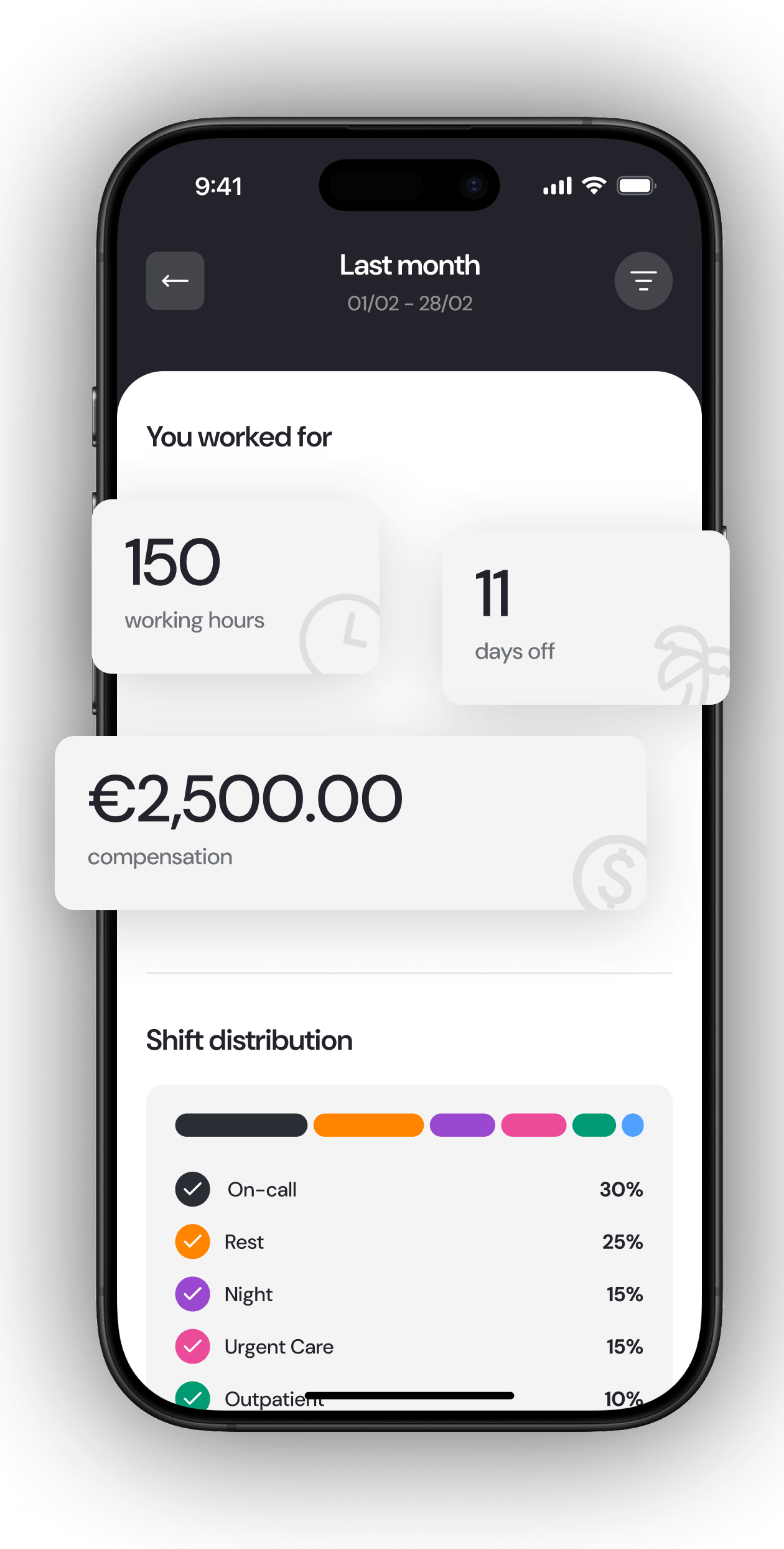
Review monthly work statistics, shift distribution, days off, and compensation estimates so your schedule is easier to understand after it is imported.
Sharing
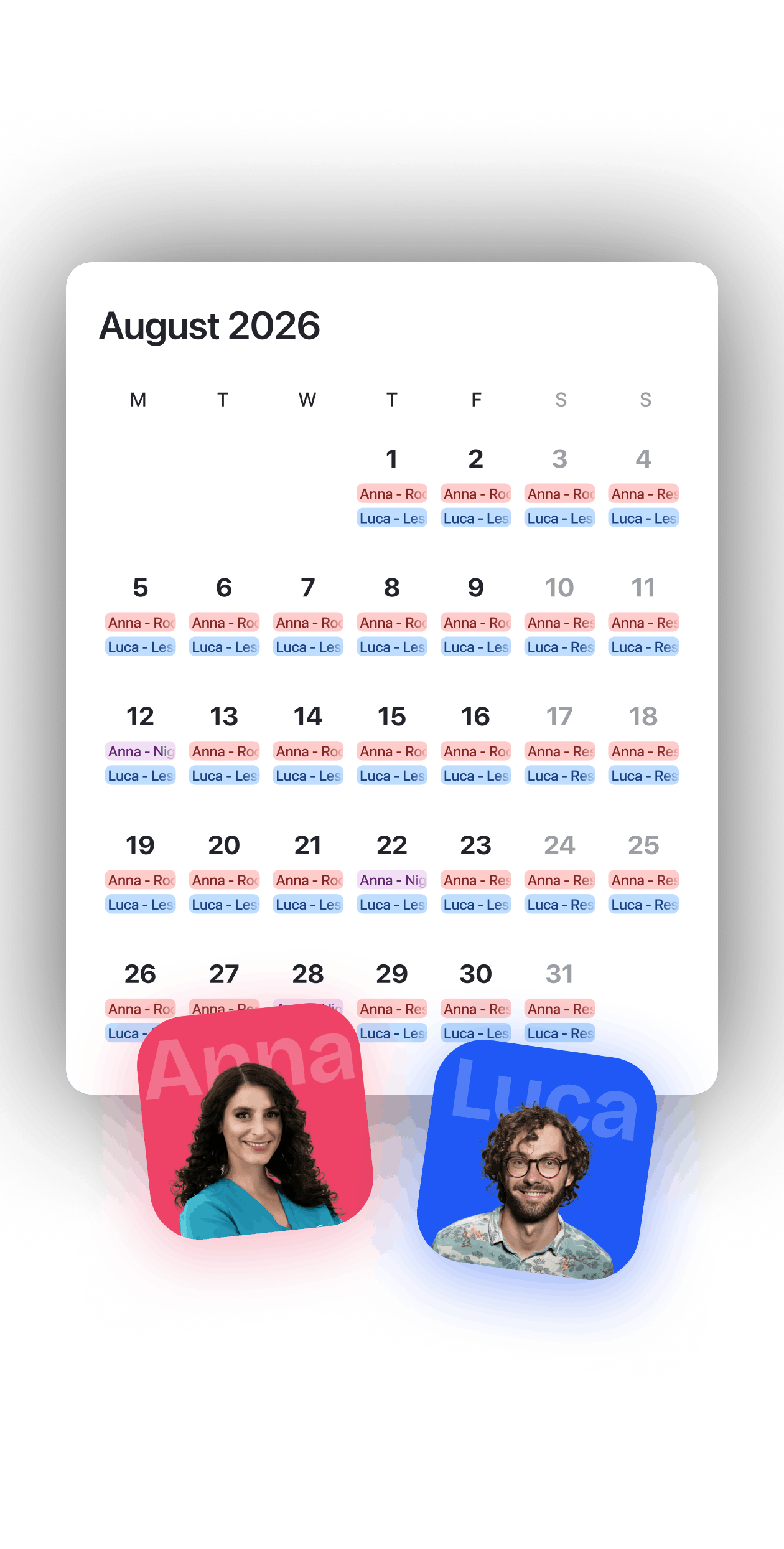
Share your calendar with friends, colleagues, or family, and make team planning easier when people need to coordinate shifts, availability, and rota changes.
Great app for managing shifts A brilliant feature that lets you import shifts from a photo or from a PDF received on WhatsApp.
Very good I think it is great that you can even create two plans for the same month, as I do now with physiotherapy and my duty roster. It is fantastic. You still need to check things carefully because small mistakes can slip in, but it is a 30-second job.
Very nice Well-made app. If you also add the option to enter the ordinary hours from a work contract, it would be possible to calculate overtime too, like you already do with the percentage of shifts worked. Thank you.
Game Changer Embracing the use of AI to quickly and efficiently add my roster to my calendar hassle free. Works quite accurately, and I love that you can train the AI with things such as ignoring certain aspects or what to display. I hope this app becomes big 😁
Love this app Such a good app for nurses, love how u can screenshot ur roster and just upload, plus the syncing to my calendar and the widget are fantastic for my ADHD brain :)
Excellent App for Lazy People Beautiful and smart app. I just upload my weekly roster PDFs and the app does the rest for me. I don't have to worry about inputting my shifts manually in my calendar. If you want to change anything, just type it in and the AI will do it for you! For improvements, I would love to be able to track my pay based on the rosters. For now, the settings are pretty limited with just one set rate. Other than that, I will be using this app for a while!
Answers about importing work schedules, syncing shifts with your calendar, and managing recurring rota patterns.
Yes. You can take a photo or use a screenshot of your rota, review the recognized shifts, and add them to your calendar.
Shift2Cal supports photo schedule scan, PDF import, and CSV import for schedules exported from spreadsheets or rota systems. Importing a PDF or an Excel / CSV file usually provides the highest reliability.
Yes. The rota management functionality is free to use. Reading and importing calendars is available with the free credits included in the app, until those credits run out.
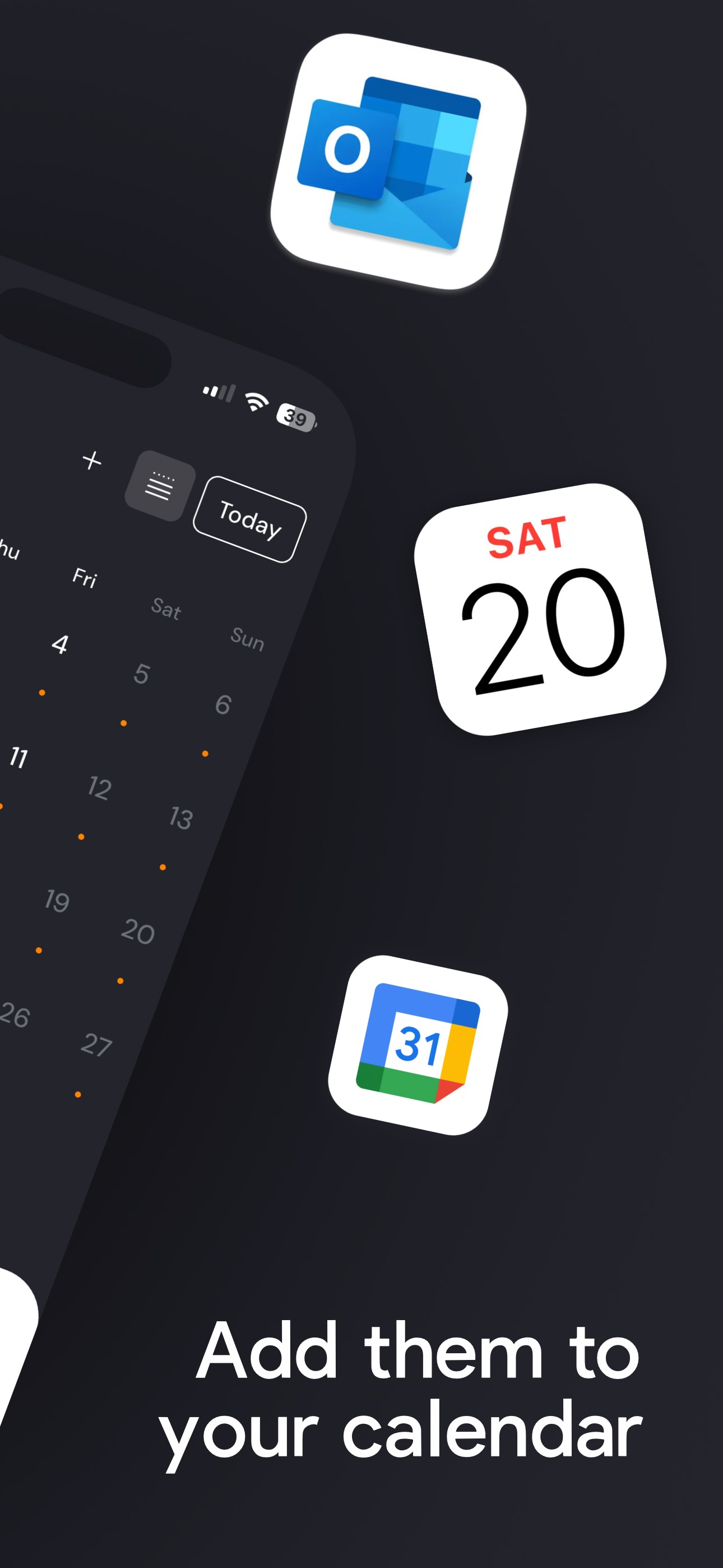
Shift2Cal can sync your shifts with Apple Calendar, Google Calendar, and Outlook.
Yes. Shift2Cal supports recurring shifts and shift rotations, so repeated work patterns can be added without entering every shift manually.
Yes. Shift2Cal is available on the App Store for iOS and on Google Play for Android.
You can cancel an iOS / Apple subscription through Apple's subscription settings. You can cancel an Android / Google Play subscription through Google Play subscriptions.
Yes. Sign in on your old device using one of the available login methods, then sign in with the same method on the new device. Once you use the same login method, your account data will be available on the new device. If you have any problem, contact hello@shift2cal.com.